
VR & Mixed Reality
You already have the headsets. This is what to put on them.
Scored roleplays and presentations in full VR, for the moments where presence changes how people perform. It runs on Meta Quest, Pico and Vive, and the same scenarios work in the browser for anyone without a headset.
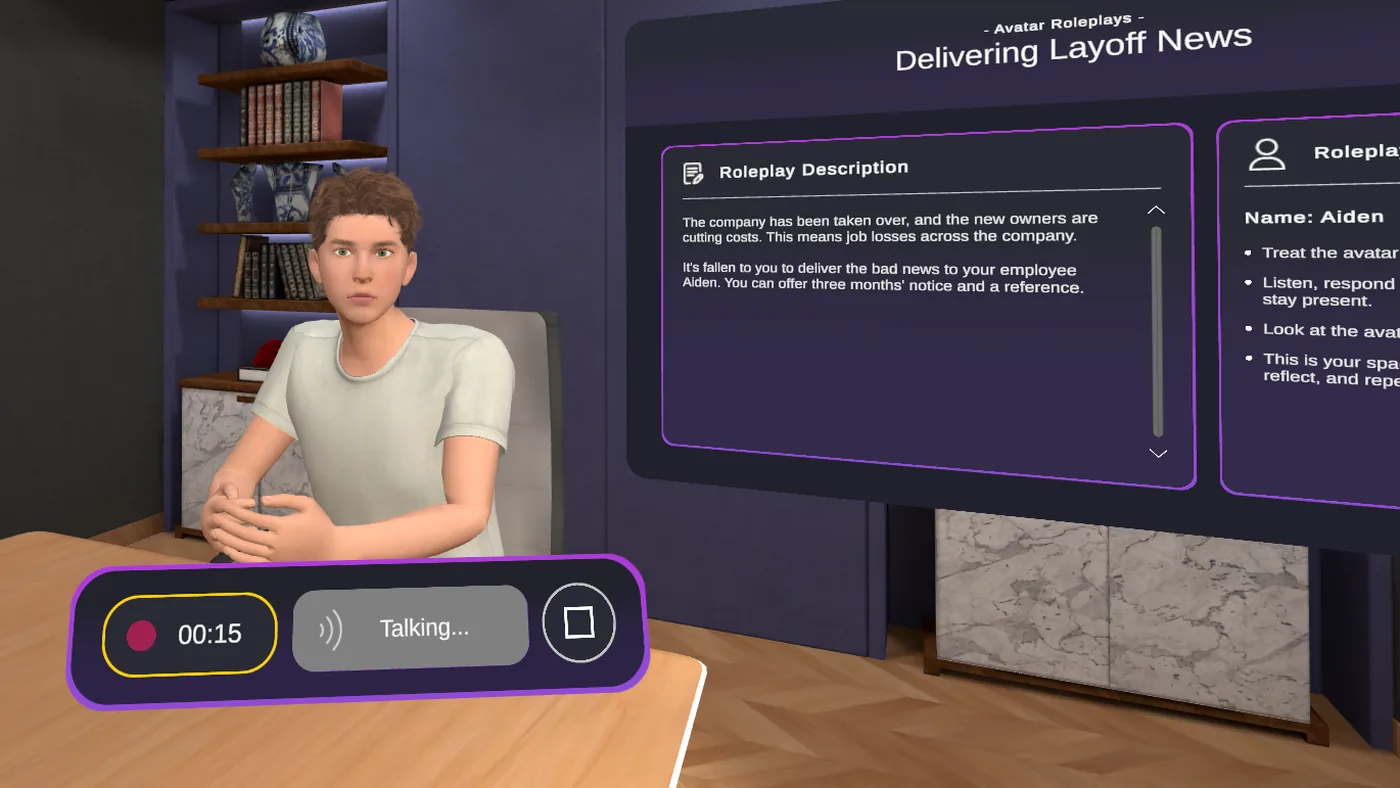
The hardware was the easy part
Most organizations we talk to bought headsets two or three years ago. They have a handful of impressive one-off experiences, a demo that gets wheeled out for visitors, and a utilisation number somebody has to report on.
The gap is content people come back to. With VirtualSpeech, the same learner can run a different conversation every week, get scored each time, and see their own improvement.
It also works for every department, which matters when one lab serves a whole institution. Business students rehearse pitches, nursing students deliver difficult news, engineering students defend a design.
Most of our customers already run something else in VR - engineering simulations, clinical procedures, safety training. We're not asking anyone to replace it. Technical VR teaches people how to do the job; this is the half about talking to other people while they do it.
Browser and tablet

Where most programs live
Nothing to install, nothing to buy. Live across a whole organization in a day.
- Every roleplay, speech, coaching session and exercise
- Scored against the same criteria
- Speaking pace, hesitations and listenability measured
- Custom scenarios your team builds
- Results in the same analytics
- No body language or eye contact data
- Limited sense of physical pressure
VR and mixed reality
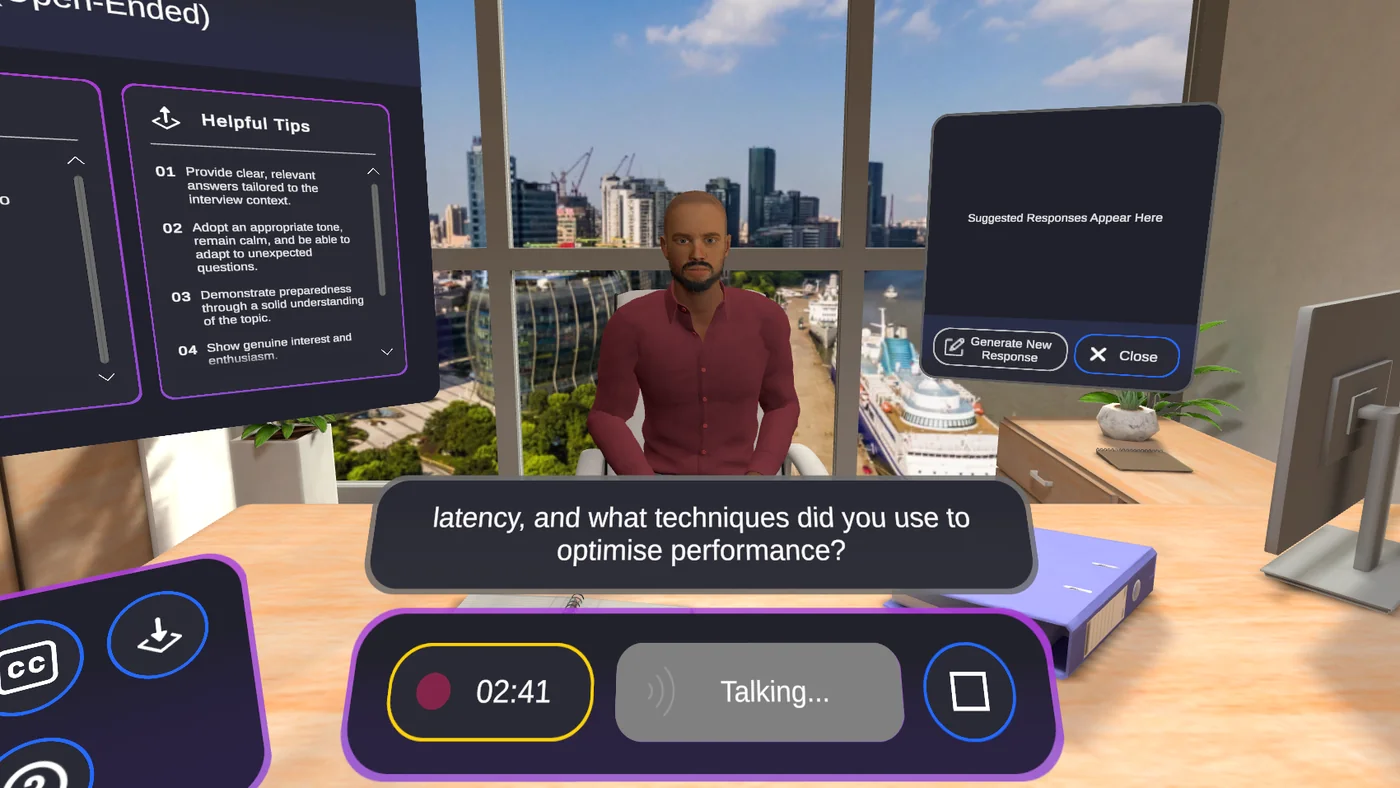
Where immersion is important
Everything with the browser, plus the things that only work when someone is using VR.
- Presence - the nerves of actually being there
- Body language and eye contact scored
- Watch your own session back and self-assess
- Environments you can't practice in safely or cheaply
- Multiplayer sessions with up to six learners
- Mixed reality - put an avatar in your real room
Where it fits an existing estate
The four setups where customers already have the hardware and are looking for something worth running on it.
XR labs and immersive teams
Content that justifies the lab
You're measured on how much the space gets used and by how many faculties. Communication practice is department-agnostic and repeatable, so it fills bookings rather than sitting in a catalogue.
Any department
Repeat sessions
Scored, not just experienced
University libraries and learning commons
Something students book themselves
Headsets on loan need a reason to be borrowed. Interview practice and public speaking are the ones students come back for, and careers services can point at it.
Self-service
Interview practice
Employability evidence
Corporate training centres
Filling the estate between programmes
Headsets bought for onboarding or safety training sit idle the rest of the year. Leadership and sales conversations run on the same devices with no new procurement.
Existing devices
No new hardware spend
Same reporting
Frontline and industrial operators
The conversations alongside the procedures
If you already run VR for safety or equipment training, the supervisor conversations in those environments are the missing half - a shop floor disciplinary, a safety challenge on a rig deck.
Oil Rig Deck
Shop Floor
Warehouse
Mixed reality: practice in your actual room
On supported headsets, avatars and the interface are placed into the space you're already standing in - your own office, classroom or training room, with the real world visible around you.
It suits conversations where the setting is already right and what you want is the other person: a one-to-one in a real meeting room, or a rehearsal in the room the presentation will actually happen in.
Fits the fleet you already run
The questions your lab manager or IT team will ask before adding us to the device.
Runs on the headsets you have
Meta Quest, Pico and other compatible devices. Check the supported headsets list against your estate - if you're running something unusual, ask us before assuming.
Deploy across the estate
Device management for pushing the app and content to every headset at once, rather than someone sideloading forty devices by hand.
Built for shared devices
Shared headset accounts allow for multiple learners to access the same headset. Sessions are identified by the entered name for each session.
Feedback from VirtualSpeech users
86%
of users felt more confident after using VirtualSpeech training.
95%
of respondents said they had improved their soft skills with VirtualSpeech.
93%
of learners would recommend VirtualSpeech to a colleague.
95%
said that practicing in VR helped them prepare better for real-world situations.
Haven't bought headsets yet?
A fair number of institutions buy their first devices around a specific programme - a careers service that wants interview practice at scale, or a business school building presentation skills into a module.
If that's you, two things are worth knowing. You don't need a lab: a handful of headsets shared across a cohort covers a lot of students, because sessions run five to fifteen minutes and learners sign in to their own accounts on shared devices.
And you don't need to wait. Run the programme in the browser now, prove it works with real data, then add headsets to the part that benefits most. Nothing gets rebuilt when you do - the same scenarios and the same scoring carry across.
Start with what you can prove
Browser rollout in a week, scored data by the end of the month. That data is usually what gets the hardware approved.
A few devices go a long way
Short sessions and shared sign-in mean a small set of headsets serves a whole cohort, rather than one per learner.
We'll tell you if it isn't worth it
If your conversations don't benefit from presence, we'd rather say so on the call than sell you an estate you don't use.
Tell us what you're running and we'll show you where this fits
Whether you have forty headsets in a lab, a handful in a library, or none yet. We'll show you a session in the headset, the feedback a learner gets, and how it sits alongside what you already run.
What happens on the call
Check compatibility with your devices, or advise if you have none
See a session in the headset and in the browser
Deployment, shared devices and licensing
How usage and results are reported
We reply within one working day.