
Practice the conversations that matter. See what changes.
AI practice for workplace conversations and presentations. Build it into your training or curriculum, or let people rehearse on demand.
Runs in the browser, with VR as an option. No headsets needed.
25.9%
average skill improvement
450k+
practice sessions completed
Used by companies and universities including












Built for three kinds of program
Start with the conversations your managers, students and teams need to get right. Practice with scenarios and feedback tailored to your leadership framework, curriculum or organizational standards.
Enterprise
Manager and leadership programs
New and promoted managers rehearse feedback, performance reviews, difficult news and leading change with an AI employee who reacts the way people do.
- Scenarios built on your leadership framework
- Cohorts, reminders and a results report
- Expand to the next team on the same measures
Higher Education
Communication practice inside the course
Students present their own slides to an audience that asks questions about what they said, and rehearse pitches, negotiations and interviews before it counts.
- Assign practice before an assessment
- Recordings and scores faculty can review
- Course-wide browser access, VR labs optional
Healthcare & Life Sciences
Practice the conversations your people need to get right
Students, clinicians and life sciences teams rehearse patient conversations, leadership discussions and business negotiations - with scenarios tailored to your curriculum or organization.
- Patient communication and clinical education
- Leadership, feedback and team development
- Commercial and supplier conversations
How it works
The same loop whether it's ten people or ten thousand.
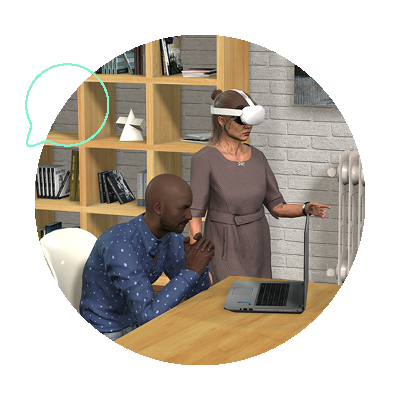
1. Practice
Your team picks how they need to practice: a conversation, a presentation, a coaching session, or a focused exercise.
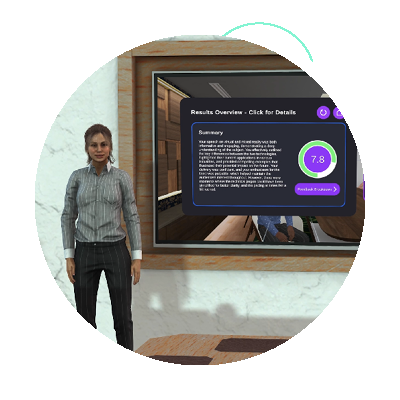
2. Feedback
A score and specific notes within seconds: what they said, how they said it, what to change.

3. Reflect
They see progress across sessions and where the gaps still are.
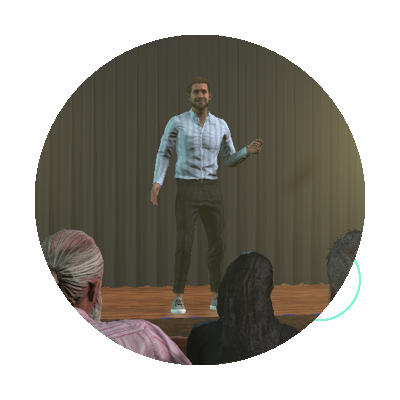
4. Apply
They walk into the real conversation or speech having already had it a dozen times.
Results our customers see
25.9%
average soft skill improvement after using VirtualSpeech
450k+
completed AI-powered practice sessions with VirtualSpeech
93%
of learners would recommend VirtualSpeech to a colleague
95%
said that immersive practice helped them get ready for real-world situations
Learn it, practice it, get feedback, try again
Four kinds of practice work together, so people learn a technique, use it out loud and see what to change.
Roleplays
Conversations with AI characters who push back, stay quiet or open up only when the learner earns it.
Presentations
Real slides, an audience that reacts, and questions drawn from what the presenter actually said.
Skills Coaching
A guided session with Hugh, the AI coach, on a named technique. Learners leave with a written plan.
Custom scenarios
Describe a conversation and edit what comes back: the character, the situation and five scoring criteria.
Feedback specific enough to act on
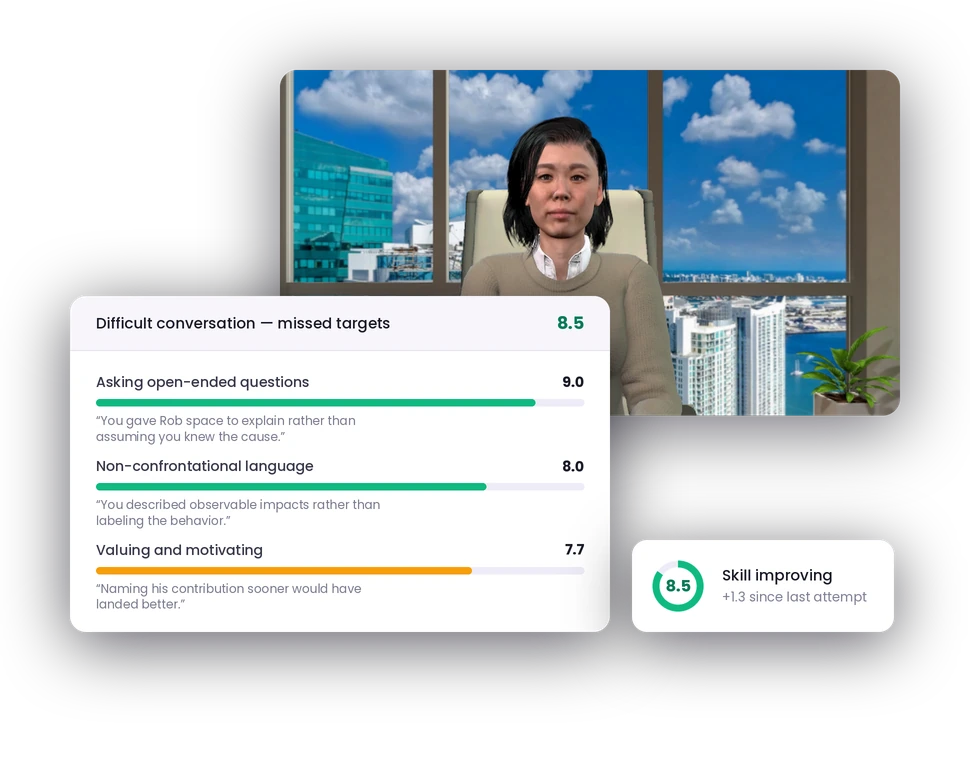
Each session is scored against named criteria, including what the person said and what to try next time.
A performance conversation is judged on open questions and empathy.
A presentation is judged on clarity and how well questions are handled.
Example: Difficult conversation - missed targets
Overall: 8.5
"You consistently gave Rob space to explain rather than assuming you knew the cause — 'What adjustment do you think could support you right now?'"
"You described observable impacts rather than labelling the behaviour, and used collaborative language like 'we will' and 'let's'."
"Early in the conversation you explained the contract was critical, but the team was under pressure. Naming his contribution sooner would have landed better."
Showing 3 of 5 scored criteria for this roleplay

Deutsche Telekom trained 1,200 employees with VirtualSpeech
Deutsche Telekom's L&D team reported a 20% average skill increase after employees spent as little as 30 minutes in immersive practice scenarios.
What learners and L&D teams say

Gema Molero
IE University
"VirtualSpeech has become a vital tool for communication and soft skills training at IE University."

Astrid Baumgartner
Swisscom
"The flexibility to design our own prompts has been great for developing essential soft skills"

Elizaveta Pavlova
Paris Business School
"It was great to see a high level of engagement and growth in such a short time."
Frequently Asked Questions
See it with a conversation your teams actually have
Tell us what your people find hardest and we'll build it into a scenario on the call - then show you the feedback a learner gets and the data you'd see as an admin.
What happens on the call
Discuss your training goals
Customize learning live on the call
Rollout options and pricing
We reply within one working day.